Utility hub
Crimson Desert FAQ with fast, practical answers
Use this page to clear the biggest launch-week questions in a few minutes, then move into the exact guide you need only when the short answer is not enough.
Answer-first
The owner page for the broad FAQ query
This page should own the broad Crimson Desert FAQ intent because the main job here is speed. Readers are usually not looking for a giant overview first. They want clean answers on offline play, cross-save, platforms, controllers, editions, preload, and setup with the least possible friction.
That is why each answer below opens with the short version, then points to a narrower support page only after the practical takeaway is already clear. For our use case, that is also the reason not to add FAQ schema here: that rich-result format is restricted for government and healthcare authority sites, so the stronger play is clean HTML, jump links, and direct answer formatting.
FAQ
Jump to the question you actually have
FAQ
Core buying and setup answers
Can you play Crimson Desert offline?
Short answer: Yes, but only after the initial setup is complete.
That means offline play should be treated as a post-setup benefit, not as proof that your first boot can happen fully disconnected. If you want the smoothest launch-week plan, clear installation and first-time setup early, then think of offline play as the convenience that follows.
Read the offline-play guideDoes Crimson Desert have cross-save or cross-progression?
Short answer: No. The current official answer is that cross-save is not supported between platforms.
That makes your first platform choice more important than usual because you should not assume progress will move later between PC, console, or Mac. Once this answer is clear, the next real decision is where you want your main save file to live.
Read the cross-save guideWhat controllers work on PC?
Short answer: Xbox controllers are supported on PC, and DualSense support is confirmed over USB.
That is enough to remove a lot of launch-week uncertainty, but it does not answer every comfort question. If your pad is supported and the next concern is feel, defaults, or input setup, that is when the narrower controller and settings guides matter.
Read the PC controller guideWhich edition should most players buy?
Short answer: If you only need launch access and the core game, the safer default is usually the standard edition until extras clearly change the value for you.
Edition pages are strongest when they help you decide whether the higher price changes anything practical, not when they just mirror a storefront list. The deluxe path only makes sense if the extras match how you already plan to buy and play.
Compare standard vs deluxeFAQ
Platform, language, and launch planning answers
Which platforms is Crimson Desert launching on?
Short answer: The confirmed launch platforms are PS5, Xbox Series X|S, Windows PC, and Mac.
That broad platform spread makes the FAQ more useful because buyers are not just deciding whether to play. They are deciding where to play, what setup they trust most, and whether the lack of cross-save changes the purchase decision.
Read the platform-choice guideIs Crimson Desert launching on Mac too?
Short answer: Yes. Mac is one of the confirmed launch platforms.
Mac support matters because it is not just a footnote to the PC version. It changes the buying conversation for readers deciding between ecosystems, especially when cross-save is not available and performance/setup expectations may differ from Windows PC.
Read the Mac setup guideWhen should you preload and patch before launch?
Short answer: Preload opens on March 17 for PlayStation, Xbox, Microsoft Store, and Steam, but you should still expect final setup and patching work around launch.
Preload reduces friction, but it does not remove launch-day preparation. The practical move is to line up storage, download timing, and first-session expectations early rather than treat preload as proof that everything is finished.
Check preload and release timesDo you need a strong PC to play on Windows?
Short answer: You do not need a flagship GPU to get in, but the minimum spec is a survival floor, not a comfort target.
If your build is near the minimum, treat the game like a conservative 1080p setup problem first. Most readers making a buying decision should compare themselves to the recommended tier, then move into settings guidance only after that baseline is clear.
Check system requirementsAre languages and subtitles an important buying check?
Short answer: Yes, especially if voice, subtitle, or localization support affects which edition or platform you want to buy.
Language questions often look secondary until they become the reason a player delays a purchase or changes platforms. That makes localization one of the smartest FAQ follow-ups because it sits close to real buying intent, not just curiosity.
Check language and subtitle coverageNext reads
Use the follow-up page that matches the next decision
Setup
System requirements and PC specs
Go here if the next question is whether your Windows PC is actually ready for launch.
Buying
Which platform should you buy on?
Use this after the cross-save answer if your real decision is where the game should live long term.
Launch
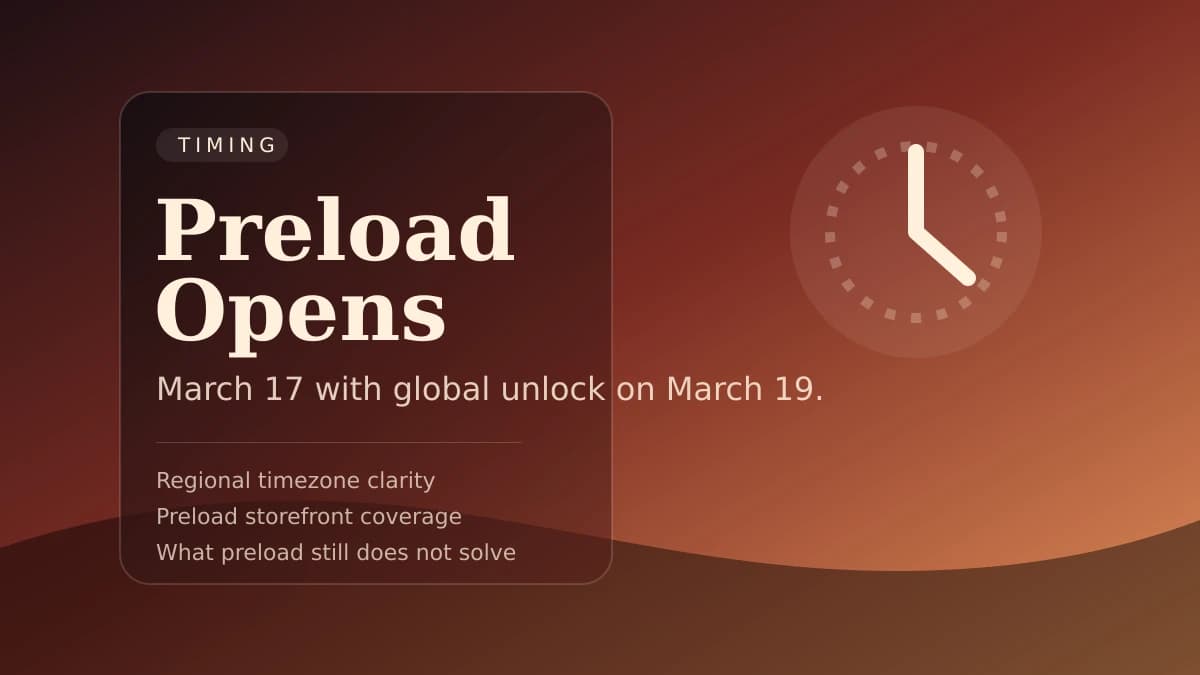
Preload and release times
Pair the FAQ answers with the unlock timing page if you are planning the cleanest day-one start.
Update
Official launch FAQ updates and recap
Use the supporting recap page if you want the broader official-answer roundup rather than the evergreen owner page.