Platform Guide
Crimson Desert on Steam: Steam Deck Performance and PC Troubleshooting
A comprehensive guide to playing Crimson Desert on Steam, including launch metrics, Steam Deck optimization realities, and how to fix common PC launch errors.
Overview
What this guide is for
Crimson Desert officially launched globally on Steam on March 19, 2026, at 10 PM UTC, bringing its massive open-world adventure natively to PC and Mac clients. With an all-time peak of nearly 250,000 concurrent players in its opening weekend, the launch was a massive milestone. Whether you are preparing to explore Pywel on a high-end desktop or hoping to take Kliff's journey on the go, navigating the PC platform requires a bit of fine-tuning. This guide breaks down the game's Steam footprint, realistic expectations for portable play, and essential fixes for early technical hiccups.
Launch Metrics and Game Overview
Available directly through the official Steam storefront, Crimson Desert invites players into an expansive action-adventure experience. Taking on the role of Kliff, players must rebuild the Greymane faction across the diverse regions of Pywel, exploring vast wildernesses, bustling cities, and the mysterious Abyss.
The game saw immediate success upon its release—enjoying a "Mixed to Magic" reception—hitting a staggering all-time peak of 248,530 concurrent players just days after launch. While the core experience has been highly praised, the ambitious scope of the game means players should double-check their PC requirements before diving in.
Steam Deck Performance Realities
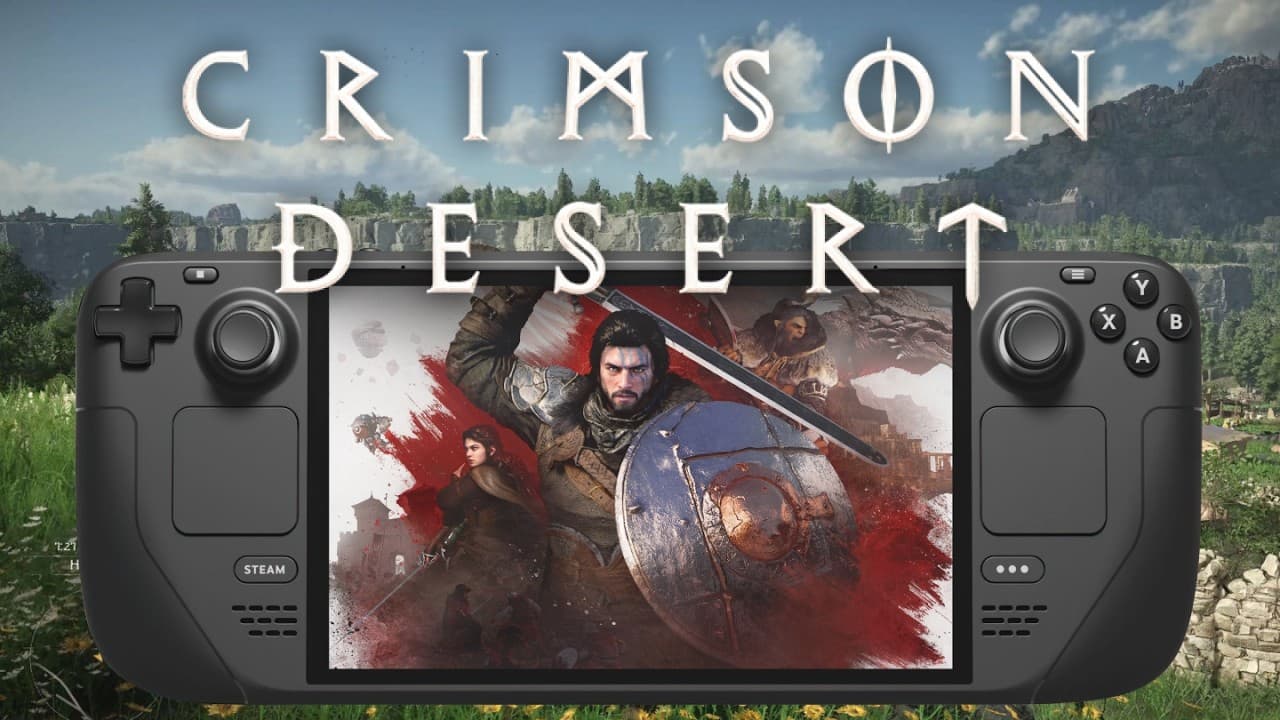
Crimson Desert is natively playable on the Steam Deck, but it severely taxes the handheld's hardware. For those looking to take the open-world adventure on the go, compromises are necessary.
To achieve a playable framerate, users must drop graphical presets to 'Low' or 'Very Low'. Even with these adjusted Steam Deck settings, the handheld struggles during demanding sequences. As demonstrated in community performance tests, noticeable frame dips occur frequently during heavy combat and key cinematics (specifically visible around the 0:15, 0:45, and 1:30 marks in the embedded performance breakdown below).
- Native Playability: Yes, runs natively without third-party launchers.
- Required Settings: 'Low' or 'Very Low' to maintain playable framerates.
- Performance Drops: Expect significant frame rate dips during intense combat and in-engine cutscenes.
How to Fix Crimson Desert Launch Issues
A subset of PC players have reported experiencing 'Unable to Open' or failing to launch errors when booting the game through Steam. Fortunately, these early launch blockers are typically easy to resolve without reinstalling the entire game. For more comprehensive help, visit our main troubleshooting hub.
If Crimson Desert is not starting, run through the following diagnostic fixes:
- Verify Game File Integrity: Right-click Crimson Desert in your Steam Library, select 'Properties', navigate to 'Installed Files', and click 'Verify integrity of game files'. This replaces any corrupted downloads.
- Run as Administrator: Locate the game's executable file in your Steam directory, right-click it, go to 'Properties', select the 'Compatibility' tab, and check 'Run this program as an administrator'.
- Update Graphics Drivers: Ensure your NVIDIA, AMD, or Intel drivers are updated to the latest available versions, as out-of-date drivers are a leading cause of black screens on launch.